
Search your Google business to generate your review QR
Google Review QR Code for Your Business

What is a Google Review QR Code?
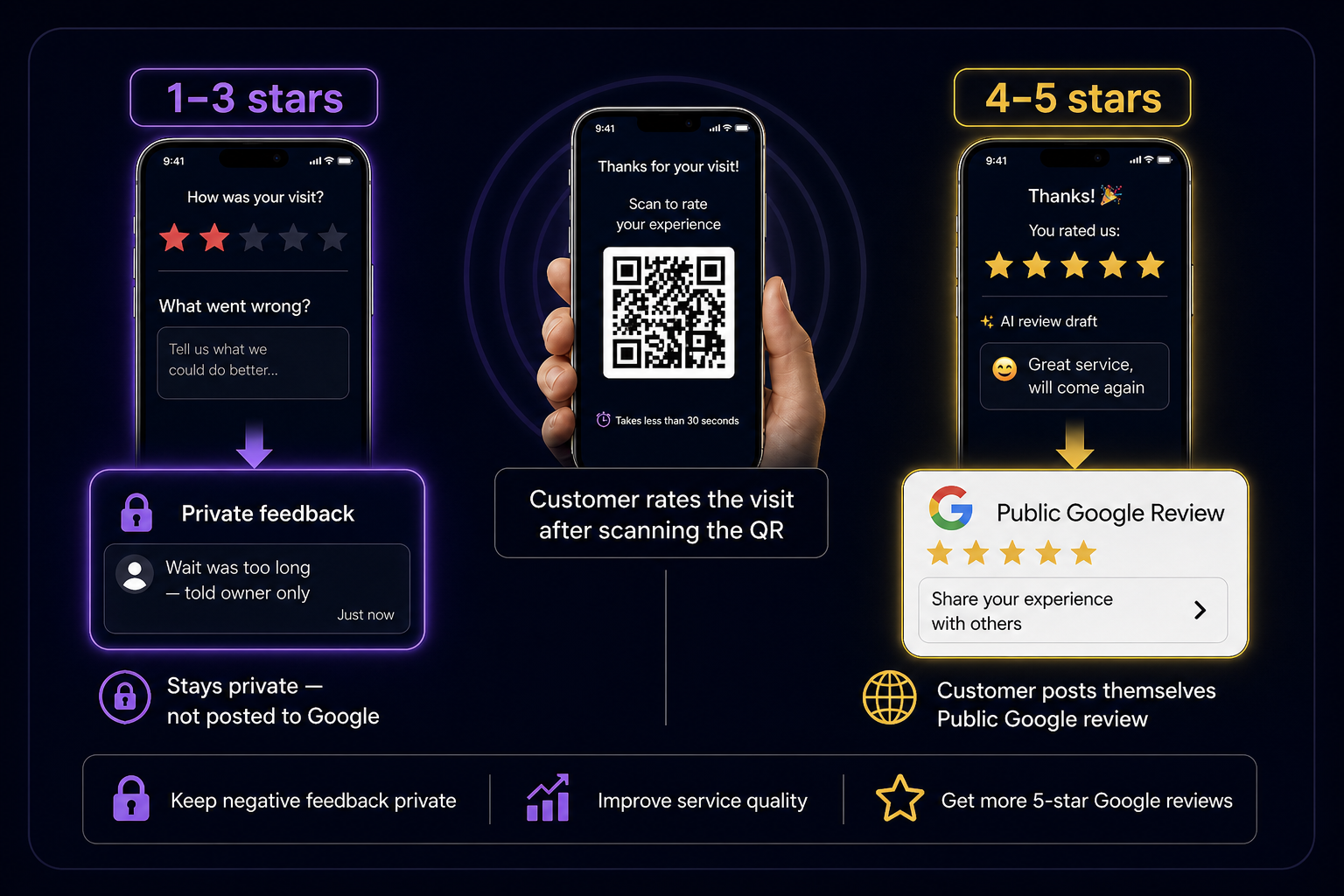
A Google review QR code is a scannable code you place at your counter, on tables, or on bills. When customers scan it with their phone camera, they open ReviewBro /r/{id} in the browser - no app download. Happy customers get AI-suggested review text they can edit, then post on Google Maps themselves (the Google write-review URL is the destination, not what the QR encodes). Low ratings can go to a private feedback inbox instead of becoming a public 1-star.
How to create your Google Review QR with ReviewBro
Try the live demo above, then download your QR after a free signup. Your dashboard will already have your business and QR ready to print.

Step 1
Search your business
Use Google Places to find your listing. We capture your business name, category, and Google review link automatically.
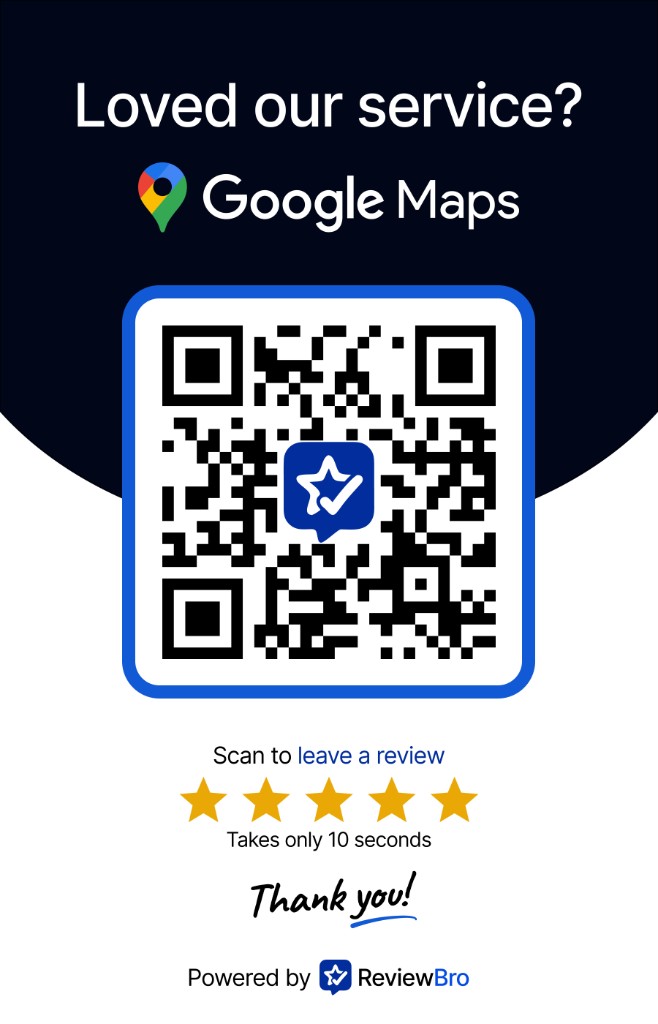
Step 2
Preview your QR and try the flow
See your branded QR card instantly. The QR encodes ReviewBro /r/{id}. Scan it to open the review page; happy customers then post on Google.
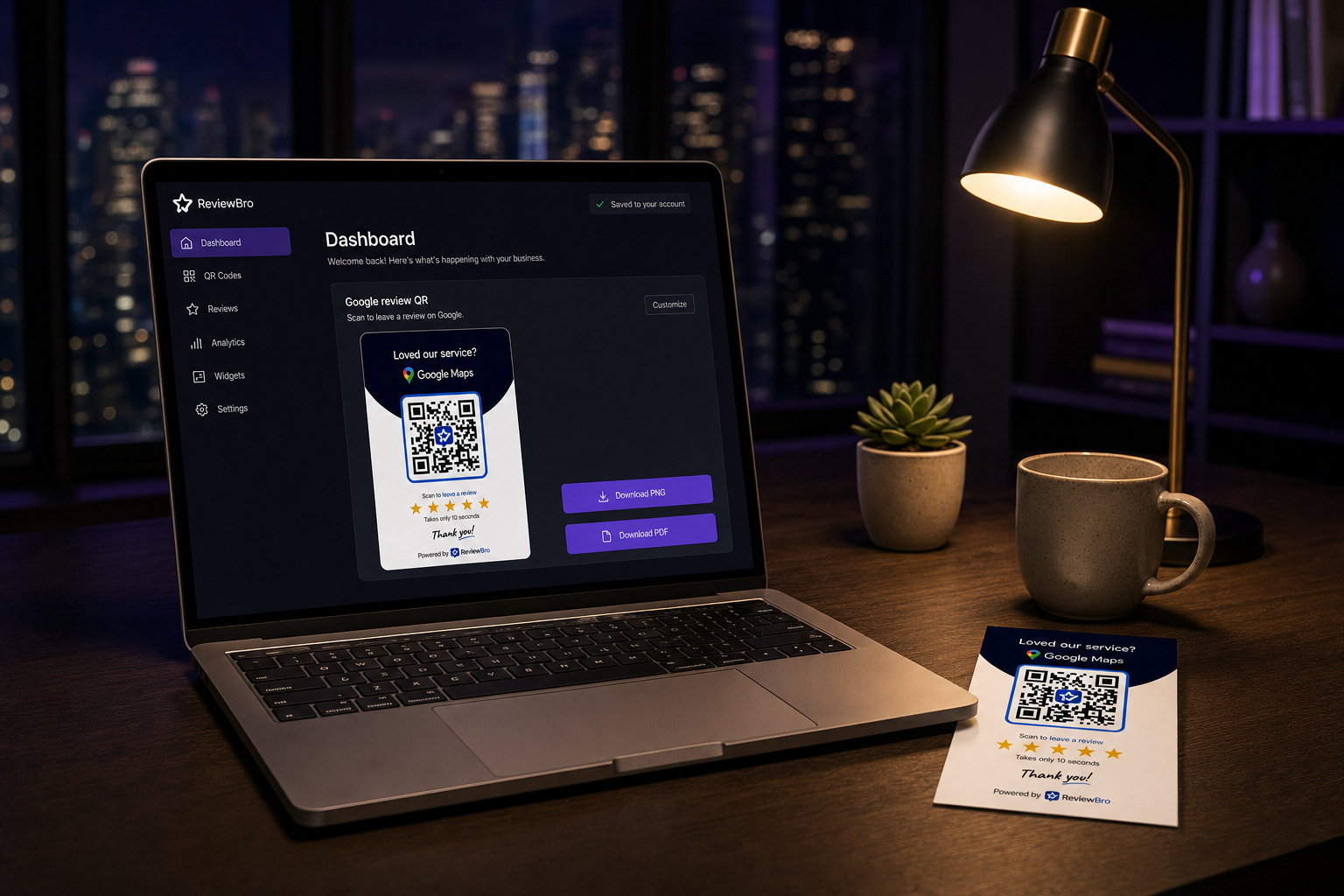
Step 3
Download after free signup
Click Download to create a free account. Your QR is saved to your dashboard - download PNG or PDF when you are ready to print.
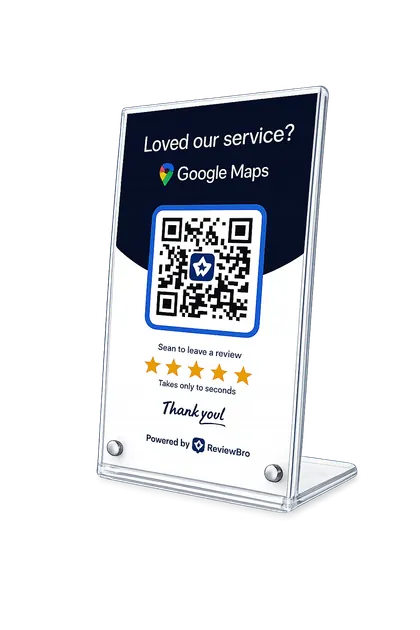
Step 4
Place it and collect reviews
Customers scan with their phone camera. Happy customers pick an AI draft and post on Google themselves - usually in under a minute.
How to get more Google reviews for your business
Customers scan a QR code, rate their visit, and get an AI review draft. They can post it on Google Maps in under a minute.
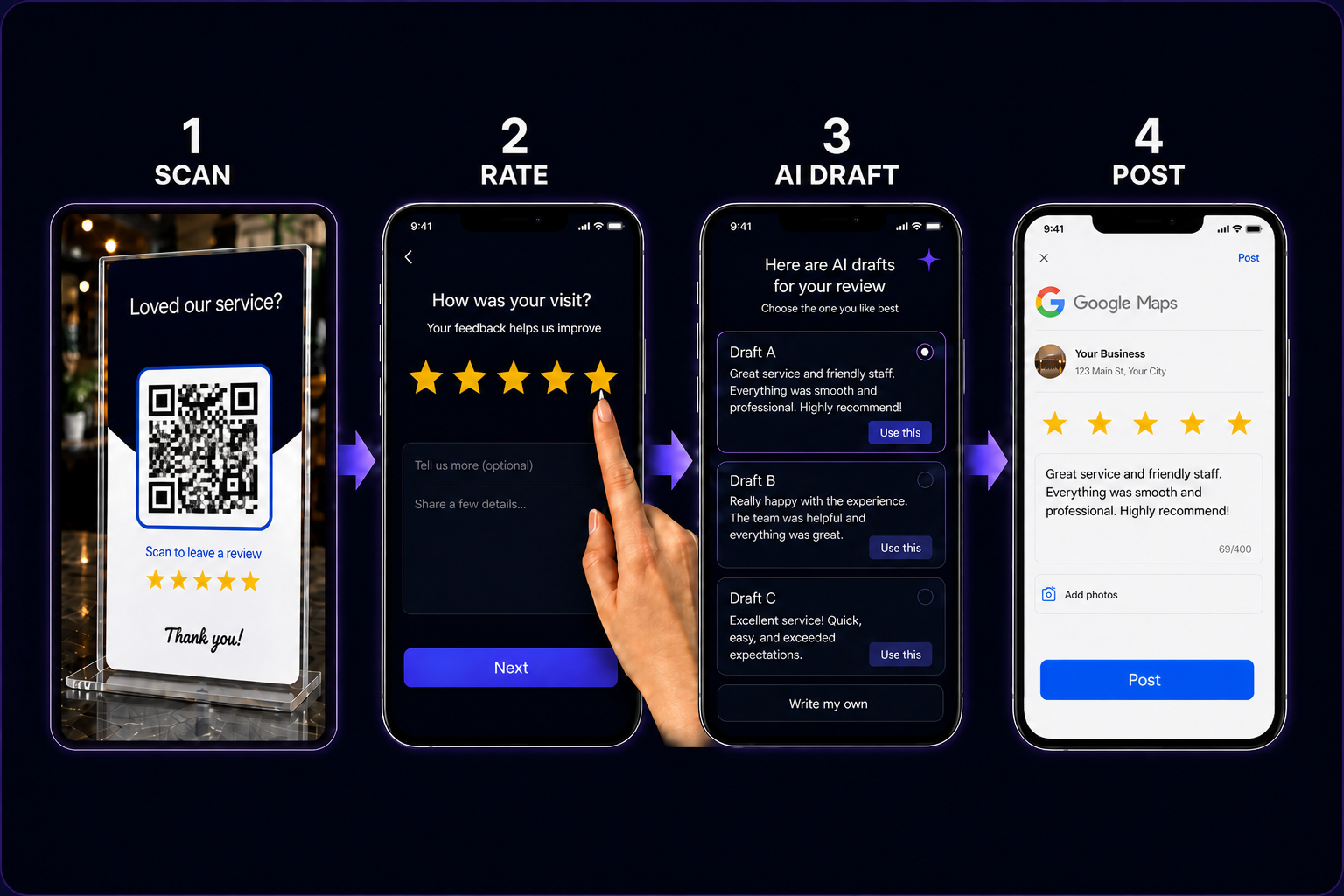
Scan → rate → pick an AI draft → post on Google Maps
Private feedback before public reviews
Low ratings stay inside ReviewBro so you can improve. Happy business customers are guided to leave a public Google review.
Best practices for your Google review QR code
- Use the correct Google Maps review link from your Business Profile - test it before printing.
- Place the QR where customers are happiest: checkout, reception, or right after service.
- Add a short CTA nearby: "Scan to leave a Google review" or "Share your experience".
- Test the QR on iPhone and Android before you print hundreds of copies.
- Do not offer discounts or gifts for reviews - Google prohibits review incentives.
- Use private feedback for low ratings to fix issues; never promise to remove public Google reviews.
Frequently asked questions
What is a Google review QR code?
A Google review QR code is a printable code customers scan to leave a Google review. ReviewBro's QR opens /r/{id} first (rating + AI drafts). Google write-review is the post destination after they copy a draft. Low ratings can go to private feedback instead.
How do I get my Google review link?
Open your Google Business Profile in Google Maps or Search, go to "Get more reviews", and copy the short link. When you use our demo, we capture it automatically from your Google listing.
Is ReviewBro's Google review QR free?
Yes. You can preview and try the flow for free. After signup, download your QR on the free plan.
Does ReviewBro post Google reviews for customers?
No. ReviewBro suggests review text based on the customer's rating. They edit the draft and post on Google Maps themselves. We never auto-post reviews.
How is this different from a free QR code generator?
Generic QR tools only encode a URL. ReviewBro adds star ratings, AI review drafts, private feedback for low ratings, and analytics - built specifically to get more Google reviews ethically.
Can customers review without downloading an app?
Yes. After scanning, everything works in the mobile browser. No app download is required for your customers.
What happens when someone leaves a low rating?
Ratings at or below your threshold (default 4 stars) go to your private feedback inbox inside ReviewBro. They are not auto-posted to Google. Customers can still leave a public Google review on their own anytime.
Where should I place my Google review QR code?
High-converting spots include the reception desk, checkout counter, table tents, bills, and discharge paperwork. Put it where customers naturally pause after a positive experience.